How to Use LoLWheel for Twitch Engagement: The Ultimate Guide to Interactive Streaming
Learn how to use LoLWheel to boost Twitch and Kick viewer engagement. Step-by-step setup guide, interactive stream ideas, and proven strategies to keep League of Legends viewers watching.
What Is LoLWheel and How Does It Work for Streamers?
LoLWheel is a free, browser-based random champion picker wheel built specifically for League of Legends. It displays all 168+ champions on an animated spinning wheel with official splash art, and lets you filter by role — Top, Jungle, Mid, ADC, or Support. When the wheel stops, you get a dramatic reveal of your next champion.
What is LoLWheel and how does it work for streamers? You open lolwheel.com, optionally select a role filter, and click "Spin." The wheel animates with champion icons and lands on a random pick. For streamers, the real power is in VS mode (two champions side by side) and the viewer voting feature — a shareable link where your audience votes for 60 seconds on which champion you play. No download, no account, no setup fees.
How to Set Up a Challenge Wheel for Twitch
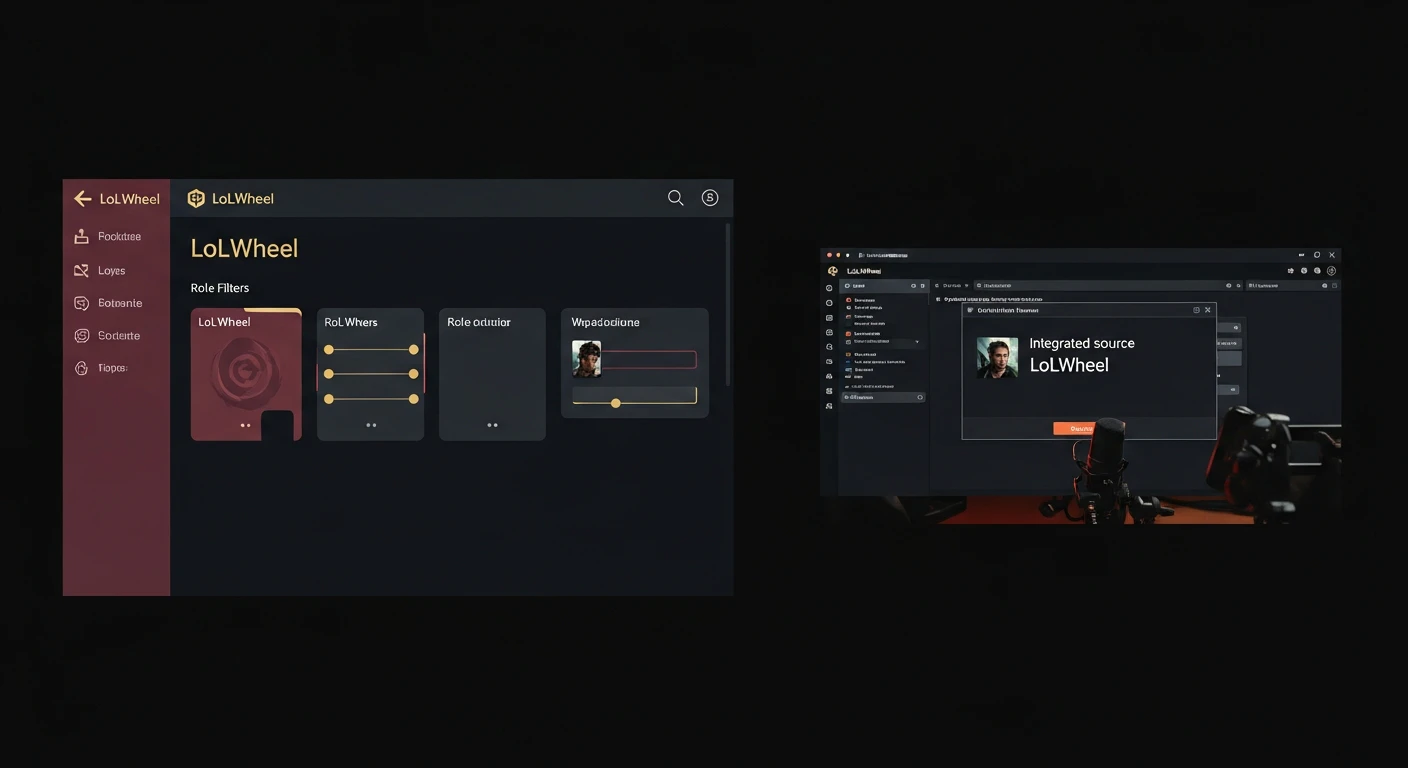
Setting up LoLWheel on your Twitch stream takes under two minutes. Here is how to set up a challenge wheel for Twitch step by step:
- Open lolwheel.com in your browser
- In OBS Studio, add a new Browser Source in your scene
- Set the URL to lolwheel.com and adjust the width to 1920 and height to 1080
- Position the browser source above your game capture but below your alert box
- When it is time to spin, click into the browser source or use your browser tab
- Share the voting link in chat so viewers can participate
OBS Configuration Tips
- Set the browser source to refresh when scene becomes active so it always loads fresh champion data
- Use a dedicated scene or nested scene for the wheel so you can transition to it cleanly
- Consider adding a "Wheel Time!" alert sound that triggers when you switch to the wheel scene
- Set the browser source background to transparent for a cleaner overlay look
How to Engage League of Legends Viewers on Twitch
The biggest challenge for League of Legends streamers is keeping viewers engaged during queue times and champion select. These are dead zones where audiences tab away. How to engage League of Legends viewers on Twitch comes down to filling those gaps with interactive moments.
The Spin Ritual
Turn every champion select into an event. Instead of silently hovering over your main, switch to the wheel scene and announce: "Chat decides my fate." The anticipation of the spin — will it land on your worst champion? — creates a tension peak that keeps eyes on screen.
Viewer Voting Sessions
LoLWheel's voting feature generates a unique link that you paste in chat. Viewers click it, vote for one of the displayed champions, and results update in real time for 60 seconds. This is the single most effective way to increase viewer interaction on Kick streams and Twitch alike because it gives chat direct agency over your gameplay.
Channel Point Integration
Set up a channel point redemption called "Spin the Wheel" (cost: 500-2000 points). When someone redeems it, you spin on stream. This gamifies the viewing experience and gives regulars a reason to keep watching and accumulating points. It is one of the best tools to gamify your Twitch stream without any third-party extensions.
Interactive League of Legends Stream Ideas for Beginners
If you are new to streaming and wondering about interactive League of Legends stream ideas for beginners, here are formats that work immediately with zero experience required:
Random Champion Roulette
The simplest format. Spin the wheel before every game and play whatever it lands on. No exceptions, no rerolls. The comedy writes itself when you land on champions you have never touched.
Role Roulette
Spin twice — once for your role, once for your champion within that role. Use LoLWheel's role filter to keep the champion relevant to the assigned lane. This prevents truly unplayable combinations while maintaining the randomness.
Viewer Duel Mode
Use VS mode to spin two champions. Paste the voting link in chat. Whatever champion wins the vote, you play. If you win the game, chat "wins." If you lose, you pick the next champion yourself as a reward. This creates a streamer-vs-chat dynamic that drives repeat viewership.
Punishment Wheel
After a loss, spin the wheel for your "punishment pick" next game. After a win, you earn a "comfort pick." This risk-reward loop keeps both you and your audience emotionally invested in every match outcome.
A-Z Marathon Tracker
Use LoLWheel's usage tracking to mark champions as "played" and work through the entire roster alphabetically. The visual progress — watching champions get checked off — gives long-term viewers a reason to come back stream after stream.
Can LoLWheel Be Used for Kick.com Streams?
Yes. Can LoLWheel be used for Kick.com streams? Absolutely. LoLWheel runs entirely in the browser and works with any streaming software that supports browser sources — OBS, Streamlabs, XSplit, and Kick's native streaming tools. The setup process is identical to Twitch.
Ways to Increase Viewer Interaction on Kick Streams
Kick's growing League of Legends category means less competition and more discoverability. Here are ways to increase viewer interaction on Kick streams using LoLWheel:
- Voting links work on mobile — Kick has a high mobile audience, and LoLWheel's voting page is fully responsive
- Chat commands — Set up a Kick chatbot command that links to lolwheel.com so viewers can spin themselves
- Challenge bets — Kick supports direct gifting; let viewers bet on whether you will win with the random champion
- Clip moments — Wheel spins create natural clip-worthy moments that boost discoverability in Kick's algorithm
Best Interactive Stream Overlays for Kick and Twitch
Best interactive stream overlays for Kick and Twitch share one trait: they give viewers something to react to. Static overlays are background noise. Interactive elements like wheel spins, vote counters, and challenge trackers create conversation triggers.
LoLWheel works as an overlay by adding it as a browser source in OBS. The wheel animation plays directly on your stream, and because it uses official Riot Games champion art from the Data Dragon API, it always looks professional. No pixelated icons, no outdated champion lists — every new champion is available within hours of release.
Overlay Best Practices
- Place the wheel center-screen during spins for maximum visual impact
- Use a scene transition (fade or slide) when switching to the wheel to signal "something is happening"
- Keep the wheel visible for at least 10 seconds after it lands so viewers can process the result
- Add a webcam reaction cam overlay so your face is visible during the reveal
How to Keep Viewers Watching Your League of Legends Stream
Retention is the hardest metric in streaming. How to keep viewers watching your League of Legends stream requires breaking the monotony loop. Viewers who watch one-tricks often leave after the first game because they have seen the pattern. Random champion content breaks this pattern every single game.
The Engagement Loop
- Queue starts — Announce the upcoming spin
- Spin happens — Share the voting link, let chat participate
- Game plays — Chat is invested because they chose the champion
- Game ends — Discuss the result, celebrate or commiserate
- Repeat — Each cycle is a new mini-event
This loop transforms a 6-hour stream from "watching someone play League" into "a series of interactive challenges." Average watch time increases because each game has its own narrative arc — the spin, the pick, the attempt, the outcome.
Retention Metrics That Matter
Streamers using interactive champion selection tools typically report:
- 20-40% longer average watch time per viewer
- 2-3x more chat messages during spin segments
- Higher clip creation rates which drive organic discovery
- Better follower-to-subscriber conversion because engaged viewers invest more
Streamer FAQ
How to engage Twitch viewers?
The most effective way to engage Twitch viewers in 2026 is giving them direct influence over your gameplay. Tools like LoLWheel's voting feature let chat decide what you play, transforming passive watchers into active participants. Combine this with channel point redemptions, predictions on game outcomes, and reaction-based content during champion select. The key principle is simple: viewers who feel heard stay longer.
How to get views on Kick?
Growing on Kick requires standing out in a less saturated market. Use interactive tools like LoLWheel to create shareable moments — wheel spins, dramatic reveals, and viewer votes generate clips that spread organically. Post your best wheel moments as Kick clips, use relevant tags like "League of Legends" and "random champion," and stream during off-peak hours when fewer creators are live. Kick's algorithm rewards viewer interaction metrics, so tools that boost chat activity directly improve your discoverability.
How many viewers on Twitch to make $1000 a month?
Earnings depend heavily on your monetization mix. With Twitch's standard affiliate rate of $2.50 per subscription, you need roughly 400 active subscribers to hit $1000 monthly from subs alone. However, most streamers earn through a combination of subs, bits, donations, and sponsorships. A streamer averaging 50-100 concurrent viewers with strong engagement (high chat rate, active community) can realistically reach $1000/month. Engagement tools like LoLWheel help because higher interaction leads to more subscriptions and donations.
How to connect riot account to Twitch?
Go to lolesports.com, sign in with your Riot account, click your profile icon, and select "Connected Accounts." Choose Twitch and authorize the connection. This enables Twitch Drops during esports events and allows Riot to verify your in-game identity. Note that this connection is separate from LoLWheel — LoLWheel requires no account or Riot login to use.
Start Streaming Smarter
The difference between a growing stream and a stagnant one often comes down to interactivity. LoLWheel gives you a free, instant engagement tool that turns every champion select into a community moment. No plugins to install, no accounts to create, no subscription fees.
Spin the wheel on your next stream. Share the voting link in chat. Watch the messages pour in. That is how you turn viewers into a community.